TGZ 2 Gmail Importer to transfer Zimbra files to Gmail
- Swift conversion of Zimbra files into Gmail account in 3 steps
- Safe transfer facility without damaging any file
- Comprise attachments while migrating Zimbra emails
- Zimbra installation is not mandatory to complete the conversion
- Compatible with latest Windows OS
- Direct migration of Zimbra emails to Gmail cloud
- Transfer emails in bulk
- Comfortable GUI, easy handling by non-technical users
- Preserve all email items during the migration
- Available in 4 licenses – home, personal, business, and enterprise
- Examine the utility with free TGZ to Gmail Importer
- Live Chat Support available round the clock
- Authorize every large Zimbra TGZ files transfer
Benefits offered by Zimbra to Gmail Exporter Tool
Features of the tool to import Zimbra TGZ files to Gmail
Comfortable Wizard
Having a friendly wizard, the application becomes too easy to handle by any non-tech user. Apart from it, the rate of conversion is fast so the complete data of Zimbra is easily and rapidly imported to Gmail account. It is not demanded that users need to be technically sound. Normal computer knowledge is enough to operate the tool.
Bulk emails transfer
There are no constraints of TGZ file size. The utility easily transfers multiple emails of Zimbra application to Gmail account in a single round of conversion. Moreover, every large Zimbra TGZ files are permitted to transfer to Gmail account without affecting the conversion rate. 100% smooth results are always offered by the tool.
Include attachments
There is an entire migration of Zimbra data to Gmail account. All emails and attachments are easily exported to Gmail account without any issues. Along with this, the formatting applied on Zimbra emails is kept same after the migration. Users can easily view TGZ files by login to Gmail account anytime and anywhere within few minutes.
Maintain email components
The application preserves all email items like to, cc, bcc, date, time, subject, internet headers and other details during Zimbra TGZ to Gmail import. Plus, there will be no effect on the structure of TGZ emails after their migration to Gmail account. There are no chances of data loss and file corruption throughout the migration.
Great Compatibility features
The program has great compatibility features. Users can easily transfer TGZ files extracted from all versions of the Zimbra application. The software is designed to suit all Windows platforms so users effectively export TGZ data files to Gmail account on various versions of Windows like Windows 10, Windows 11, macOS 12+, and Linux x64.
Try demo before license
The application is introduced into two versions – demo and license. The demo version is helpful for users to take the decision to invest in this program. After satisfying with the demo version, users can upgrade to the licensed version. It offers 4 licenses – home, personal, personal, and enterprise. Pick the license as per your needs.
Import selected Zimbra files
There is no requirement to export the complete database of Zimbra application. Users can export hand-picked TGZ files into Gmail account without any trouble. Moreover, the tool offers to scan the complete file and then a complete preview of Zimbra files is offered by the application which helps in performing better conversion.
Technical support availability
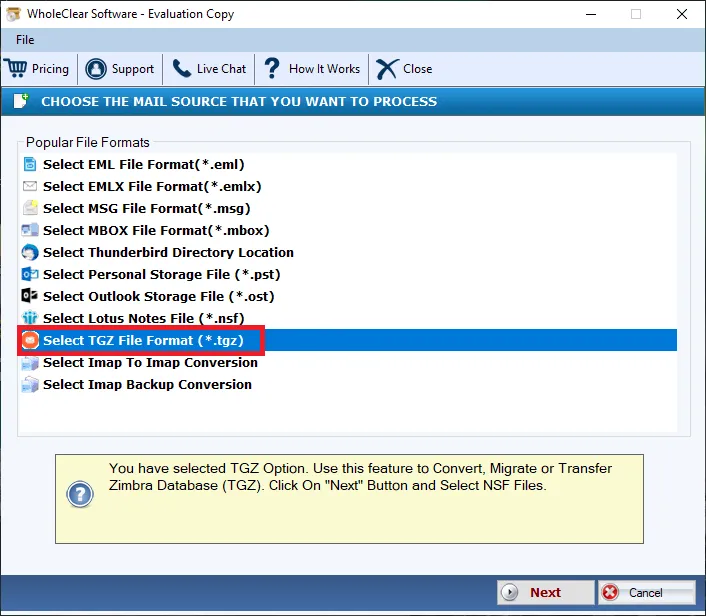
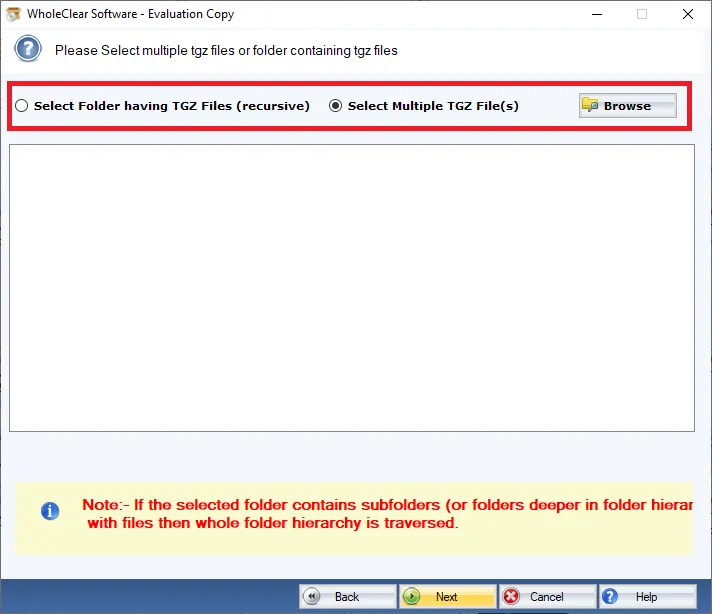
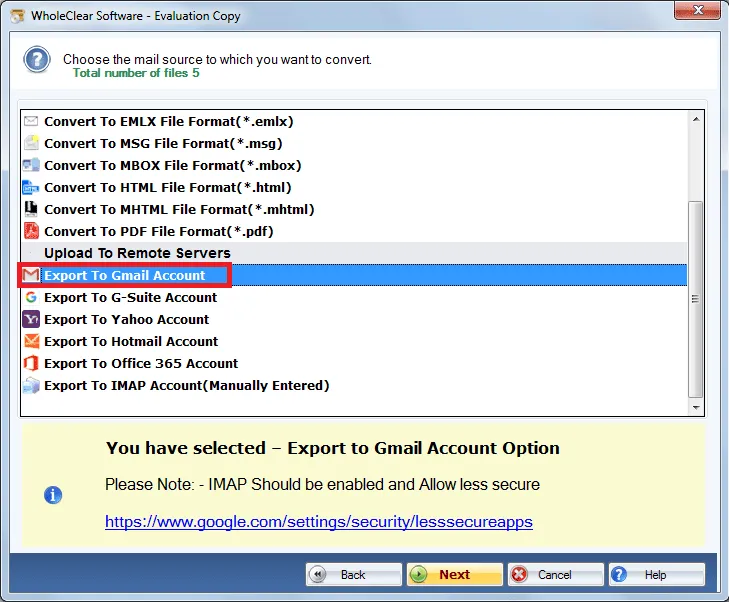
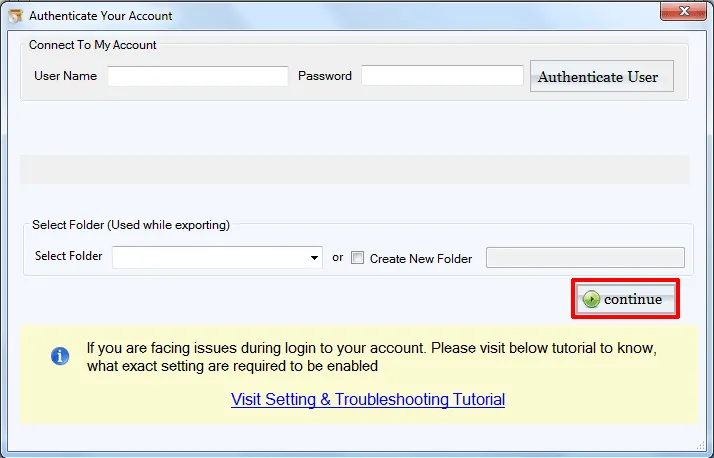
Users can take help of screenshots and manual guide to understand the conversion process. If users have any queries, to solve these queries, a 24*7 technical support team is available. The support team is always ready to assist the valuable customers. The experts in the support team resolve all users of users in a short time period.