Single organization
Business
One location · one platform per purchase
- All conversion features included
- Choose Windows, macOS, or Linux
- Single organization, one premises
- Lifetime license, no subscription
One Business purchase = one platform.
Move mailbox files, desktop apps, and cloud accounts in one product. Every conversion feature is included. Choose Business for a single location, or Enterprise from a growing team to a large organization.
One location · one platform per purchase
One Business purchase = one platform.
Multiple units · small to large organizations
One purchase. Three desktop platforms.
One workflow for files, desktop mail, and cloud mailboxes. Preview before you convert. Keep folder structure and message metadata intact.
PST, OST, EML, EMLX, MSG, MBOX, NSF, TGZ, Microsoft 365, Gmail, IMAP, PDF, and more — included. No add-on modules.
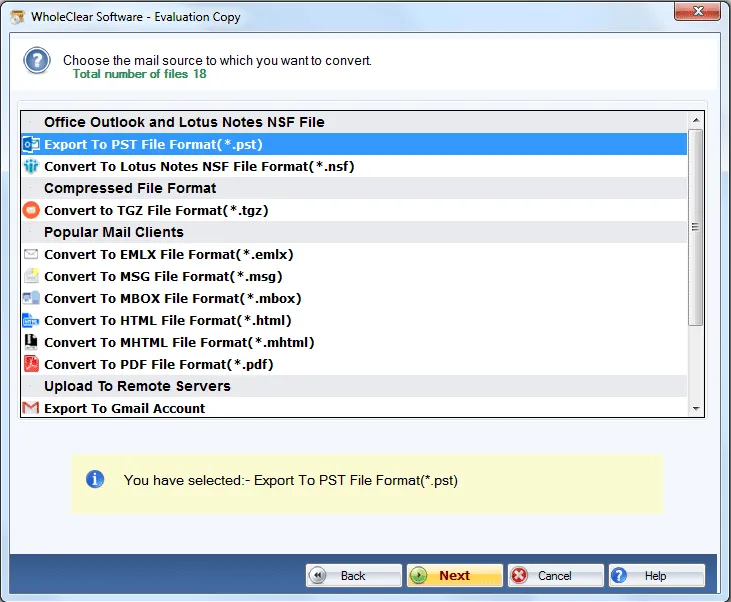
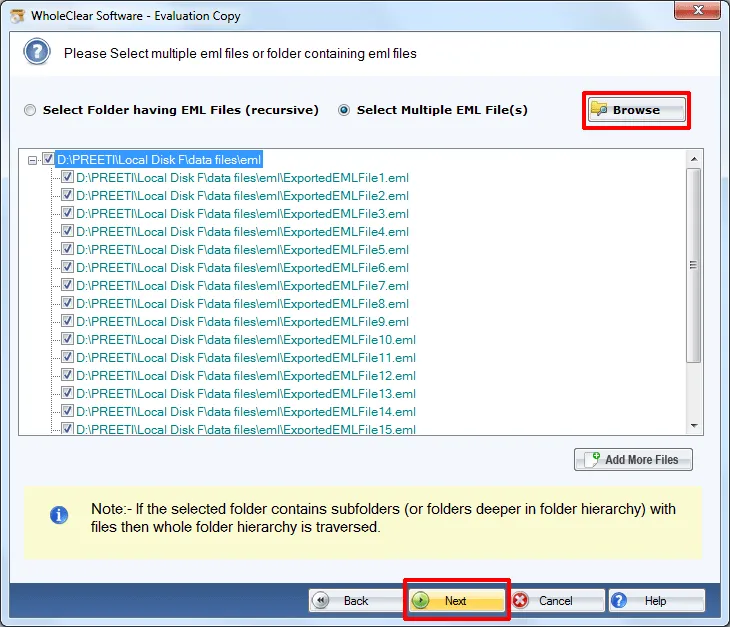
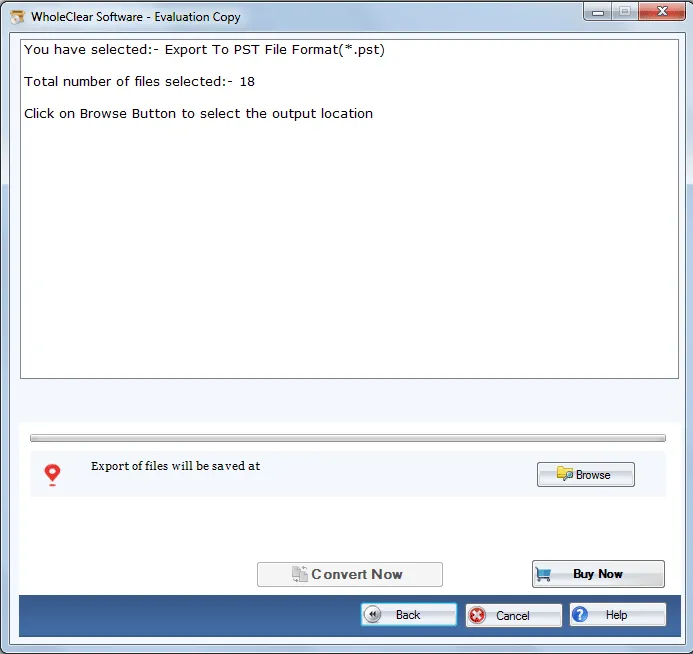
Browse files or folders, preview the mailbox tree, then convert selected items or convert all after Ready Check.
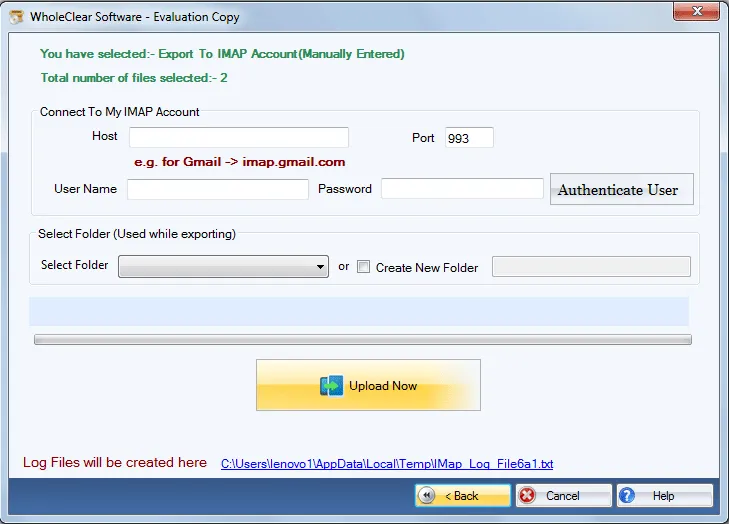
Sign in with Microsoft for Microsoft 365. Authenticate IMAP with an App Password. Credentials are used only for the task.
Preserve folder structure, skip existing messages, and keep Plain Text, RTF, and HTML formatting.
Windows 10/11, macOS 12+ (Intel and Apple Silicon), Linux x64. NSF conversion is available on Windows.
The demo converts 25 items with the same feature set. Licensed conversion has no file-size limit.
Four steps. No separate product per format.
One product covers the formats organizations actually use.
Screenshots, install steps, and the user manual.
License scope, platforms, and how the product works.
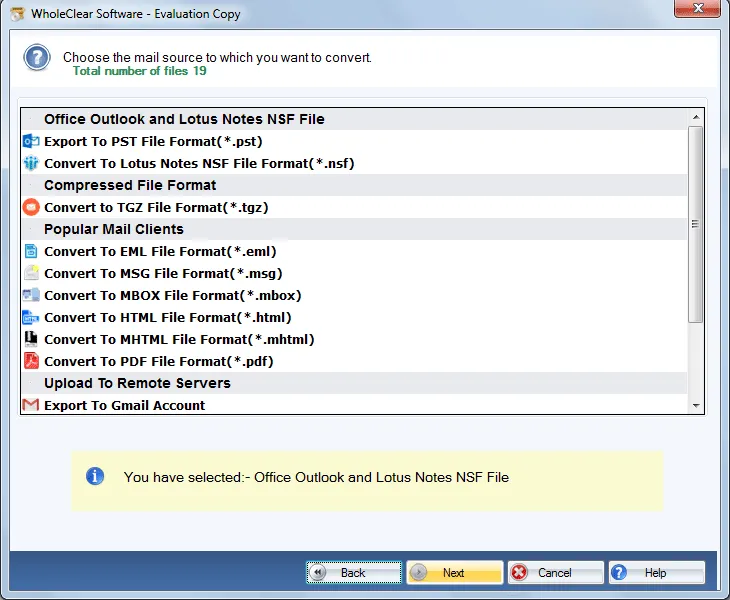
Follow the four-step workflow:
All features included. Lifetime validity. Enterprise covers Windows, macOS, and Linux in one $999 purchase.
Buy Enterprise — $999