EML 2 Gmail Converter to transfer EML files into Gmail
- Straight-forward and instant import of EML emails and attachments
- Allow uploading selected EML files/folders to Gmail account
- Support transfer of all EML files of healthy nature
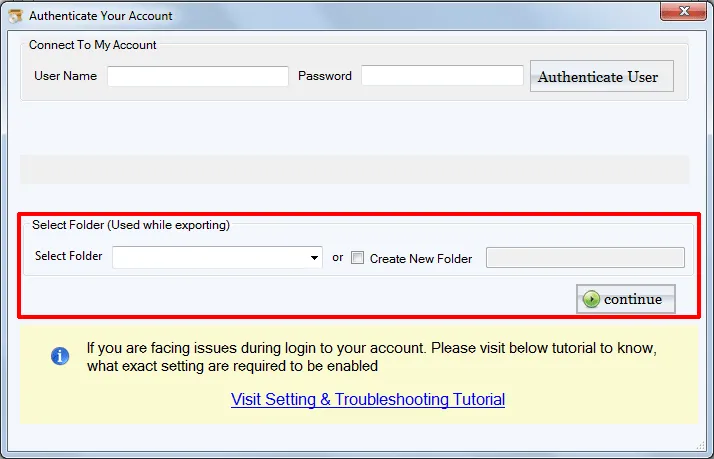
- Option to save EML file to a new folder or an existing folder
- Generate EML files preview before moving EML files in Gmail
- Require Gmail account login credentials to import EML data in Gmail
- Deliver quick support to all Windows platforms
- Deals with EML file created in every application
- Authority to import any number of EML files irrespective of their size
- Render safe uploading without any losses
- Keep email headers and email formatting intact
- Import 25 EML files in Gmail free of cost
- Transfer EML files one by one into many Gmail accounts
A quick view of EML to Gmail Converter Application
Check complete features of the tool to import EML file to Gmail
Instant Upload Process
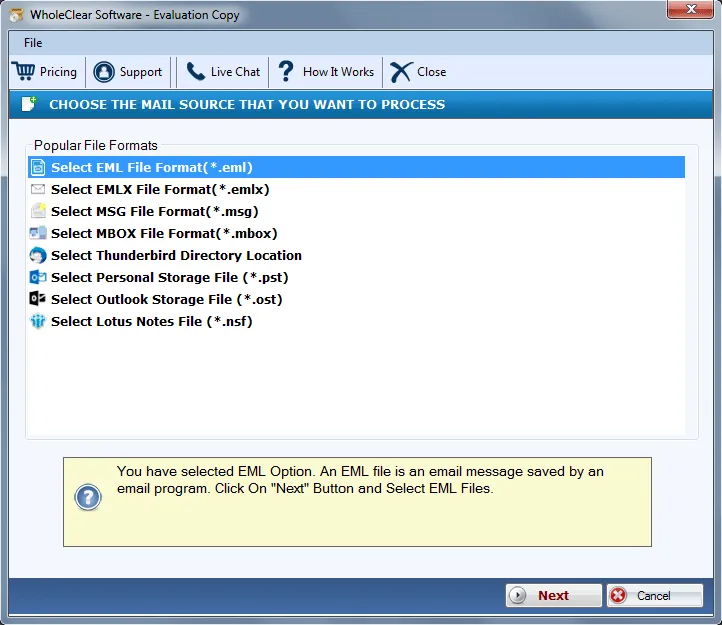
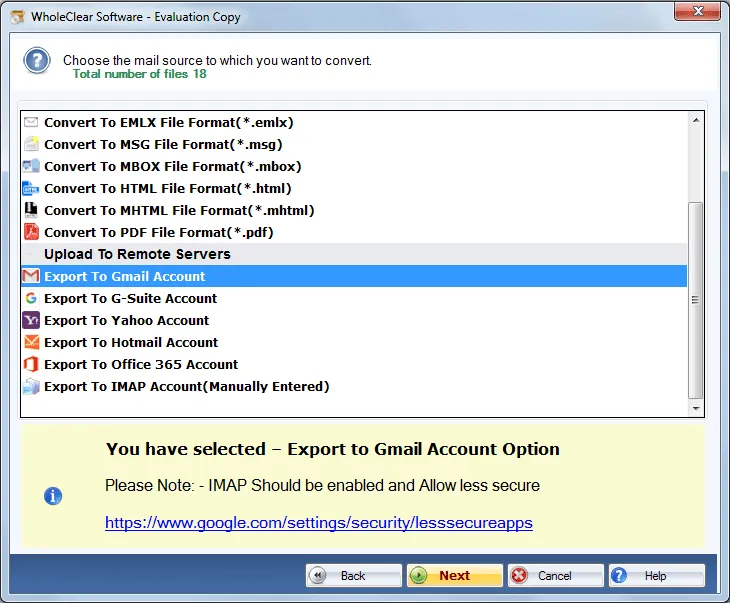
WholeClear EML to Gmail Importer loads EML files instantly without any trouble. Users can import EML emails with attachments into Gmail account in no time. A direct transfer of EML files to Gmail account is performed by the application. Users can easily upload EML database with the 3-4 counted steps with this smart application.
Support all EML Files
EML 2 Gmail Converter Tool import EML files created by various email applications. These applications include .eml files created by Mozilla Thunderbird, Windows Live Mail, Entourage, Outlook Express, IncrediMail, and others. The application creates no problem in importing any of the clients EML file in Gmail account.
Batch Import function
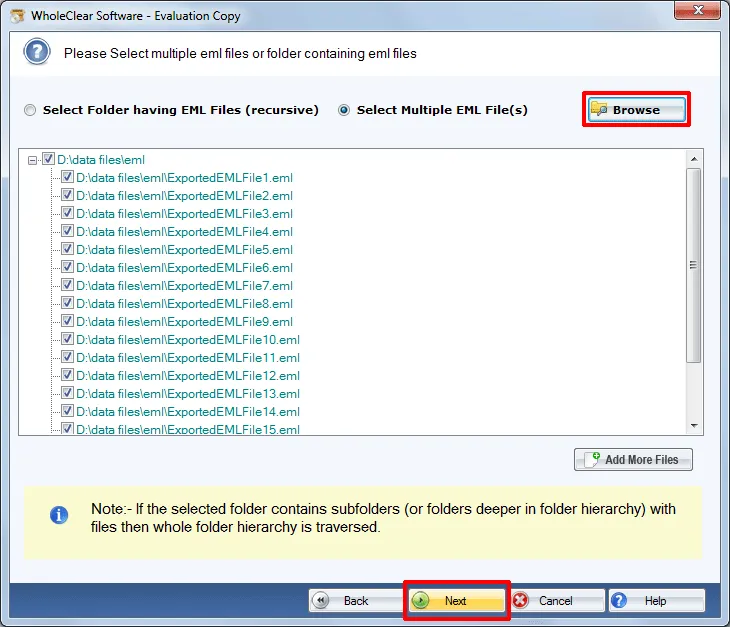
The software converts EML file in Gmail account in bulk. You don't need to upload a single EML file again and again, you can simply add an EML folder and perform the conversion without any hassles. This feature becomes very helpful for users when they have a large database with them to import into Gmail account. At that time, the task can be completed in few minutes.
Keep folder structure intact
Hierarchy of EML folders is maintained by the application. The application successfully retains the folder structure of EML files even after you upload EML files into Gmail account. Users can find the exact structure even after EML 2 Gmail Conversion. For more transparency, users can check the selected EML files in Preview pane before finalizing the upload process.
Maintain Source metadata
Using EML File to Gmail Transfer application, one can retain the date of EML emails even after importing them into Gmail account. The application also maintains the meta attributes of EML files including subject, to, cc, bcc, etc. There will be no alterations in these properties after migration of EML files to Gmail account.
Save EML in a new folder
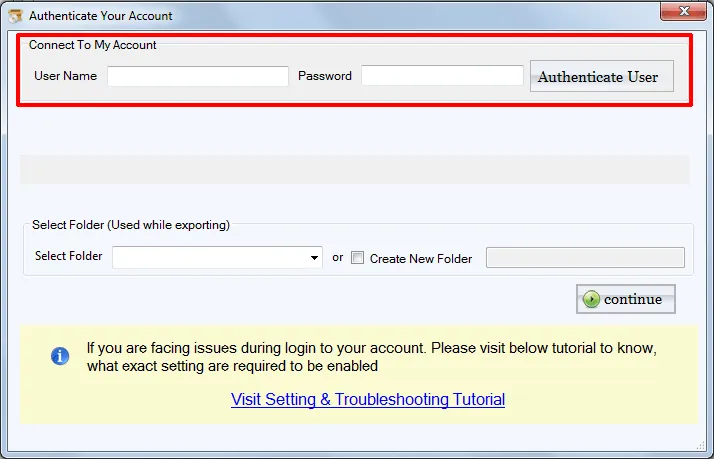
Users have the full freedom to create a new folder in Gmail account to save EML files or users can specify any existing folder of Gmail account to store EML files. There is no such folder specified by the application for saving EML files. The utility works swiftly on all Windows operating systems including the latest Windows 10 and earlier versions.
Free EML 2 Gmail Tool
EML to Gmail Transfer Tool is available in two versions – demo and license. The demo edition is free and is available for all users. This will help users to judge the efficiency of the application prior to investing in this application. However, a few EML files import is possible with the demo edition. Once users get satisfied with the free version, they can apply for the license.
Precise and safe transfer
Import EML files into Gmail account with full protection of your database. safe conversion of EML files to Gmail account is performed by the application. In every attempt, users get accurate results. Without any data loss and file corruption complaints, users can quickly import EML in Gmail account of their choice with the correct login details.