EML to G Suite Converter to upload EML into G Suite
- Permit bulk conversion of EML files to Google Apps account
- Move EML Mails to G Suite without any supportive application
- Connect to G Suite account within seconds
- Migration of EML files to G Suite with attachments
- Support uploading of EML files of all supported email clients
- Pure Windows-based application
- Easy graphical interface to import .eml files to Google Apps
- Maintain complete formatting and folder structure during EML to Google Apps Conversion
- Transfer Multi-language EML messages into G Suite account
- Hold email headers completely during the conversion
- Available in demo edition for judging the application
- Single User application: upload EML into single G Suite account at a time
- Meet the demands of both corporate and personal users
Go through EML to Google Apps Conversion Tool features
List of key features of the tool to upload EML into G Suite
Straight-forward application
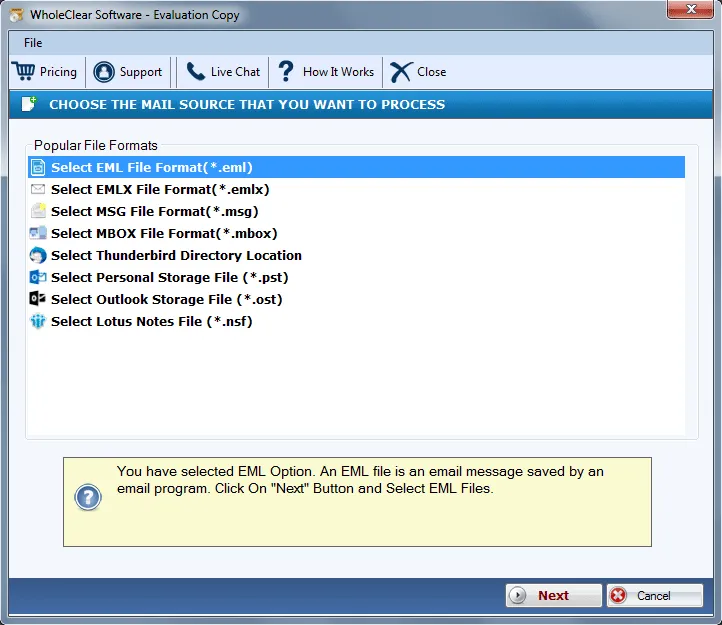
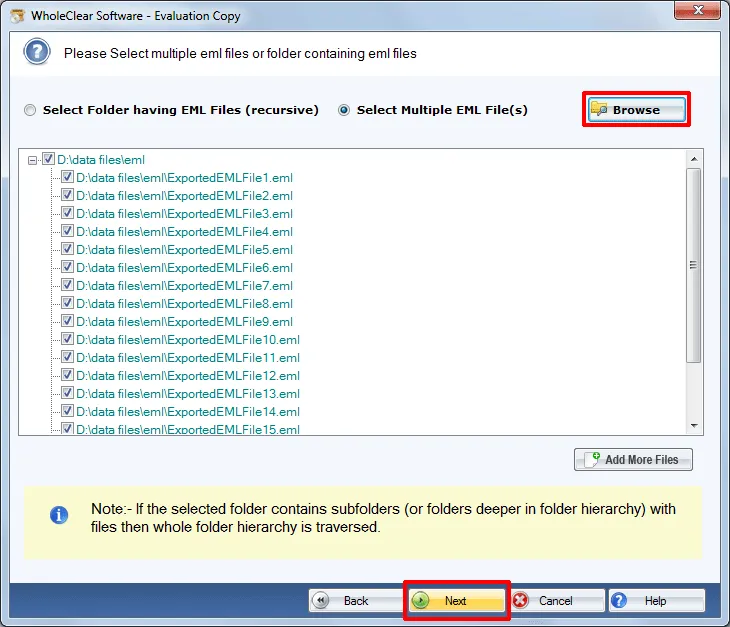
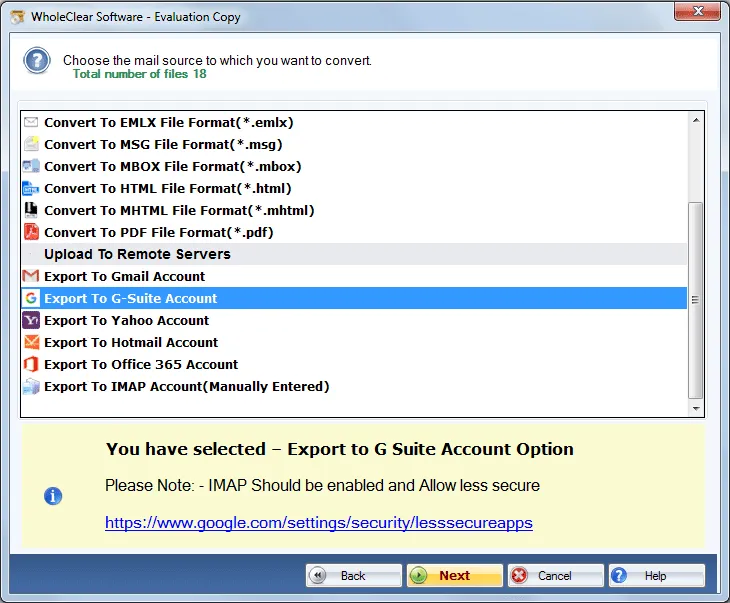
EML to Google Apps Conversion Tool is a straight-forward application that needs no extra application to import .eml files to Google Apps account. Within a few steps, users can easily load EML files to their desired G Suite account. No technical training is required to handle the utility. Only 3-4 step easy conversion is performed by this application.
Keep Folder hierarchy intact
EML to G Suite Converter successfully retains the folder structure of EML files after you upload EML into G Suite account. Users can find a similar folder structure even after the conversion. Apart from it, the formatting applied to the emails remains safe meanwhile and after the migration process. Without any limitations, users can import EML files to G Suite.
Need G Suite login details
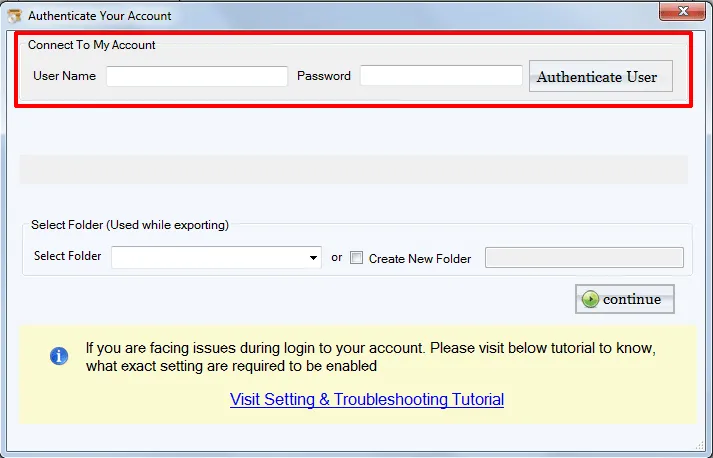
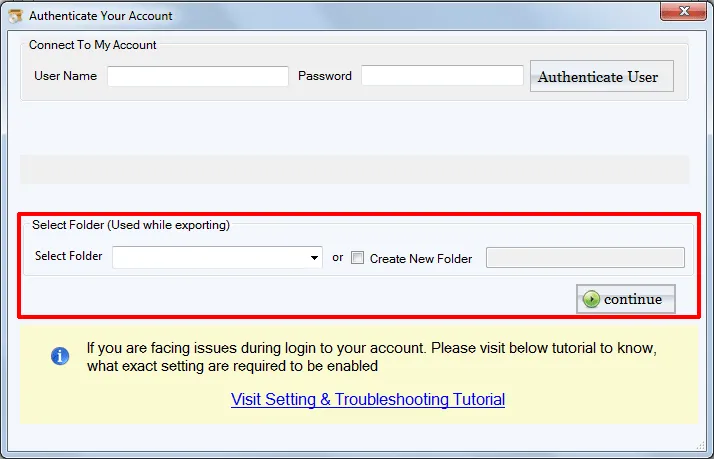
Users need to possess the correct login details of G Suite account. Once the login credentials are entered, the tool instantly connects with the account and offers users the choice to place EML files into Google Apps account. In case, users face any difficulty in handling the application, call our support team. They are available 24*7.
All EML supportive application
EML file is supported by many email clients such as Windows Live Mail, Thunderbird, Outlook Express, etc. This software supports all the platforms and provides safe conversion. Users can simply select the important EML files to import into Google Apps account as per their choices and discard the undesired files.
Offer Trial Mode
A trial edition of EML to G Suite Converter is available to understand and judge the working of the application before finalizing the decision to invest in it. This version is similar to the paid toolkit but only starting 25 EML files import to G Suite account is permissible with the free version. To enjoy unlimited benefits, go for the paid version.
Upload EML in batch
EML to Google Apps Conversion Tool comes with a batch feature by which users can simply upload EML folders at a time instead of loading EML files again and again. This feature is helpful in saving users’ time and efforts. Without losing any information, users can upload EML files into G Suite account easily without any difficulties.
Compatible to all Windows
The application is fully designed for Windows users and provide the best graphical experience with its interface. Users can simply launch it on Windows 10 and Windows 11and others. The utility offers users to decide the folder to place EML files in G Suite account. Users can create a new folder or choose an already created folder.
Convert EML with attachments
The software easily migrates EML files along with attachments. The utility provides the facility to export all types of attachments like PDF, DOC, TXT, etc. into G Suite account. By maintaining the integrity of data within attachments, the utility import EML files. Users are not required to take tension of any file misplacement.