EML 2 Yahoo Importer for bulk import EML into Yahoo
- Import EML to Yahoo Mail with EML attachments
- Unlimited file import from EML into Yahoo account
- Highly safe and secure conversion of EML files into Yahoo Mail
- Full ease for handling EML to Yahoo Import Tool by a novice user
- Product installation can be possible in multiple languages
- Suitable with every Windows edition
- Maintain the privacy of Yahoo login credentials
- Simple and guiding interface to Import EML messages into Yahoo Mail
- Establish easy connection with user-defined Yahoo account
- Safeguard all EML formatting and email headers
- Great support to EML based email applications
- Grant every large EML file import into Yahoo account
- Available in free and paid editions
Find quality features of EML 2 Yahoo Importer
Know complete details of the tool to transfer EML into Yahoo
Simple to use product
EML to Yahoo Migration Tool comes with a simplified interface so it can be easily operated by non-technical and technical users. Having a self-expressive wizard, the users do not face any troubles in completing the import process. A first-time user can also itself handle the utility without any damage to the file and its content.
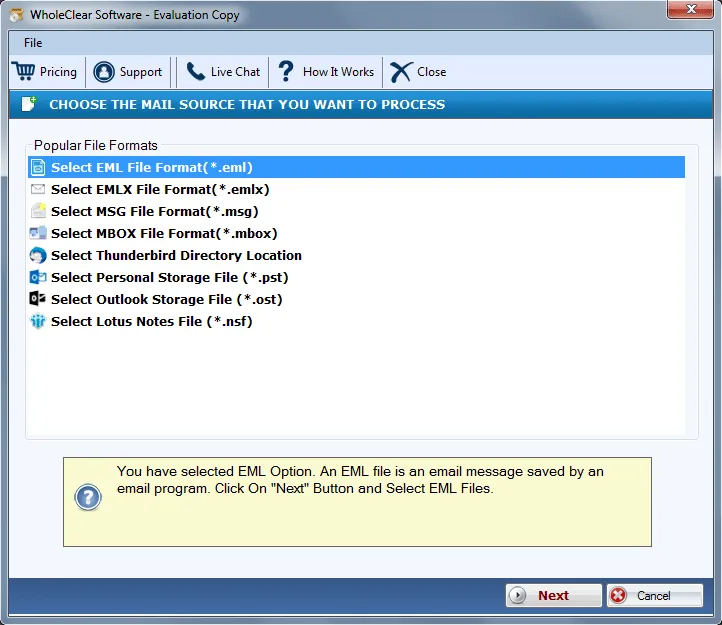
Support all EML files
There are various email clients that save email messages in .eml format and this software supports all EML files exported from Mozilla Thunderbird, Windows Live Mail, Windows Mail, Zoho, DreamMail, etc. The only condition with this application is the EML files should be valid. They should not be in the corrupt state.
Arrange Folder hierarchy
The program maintains the folder and subfolder hierarchy so that users can simply migrate the database without facing any losses. It properly arranges the same folder framework after finishing the migration process. Apart from the folder hierarchy, email formatting and other information is completely preserved by the utility.
Migrate emails in bulk
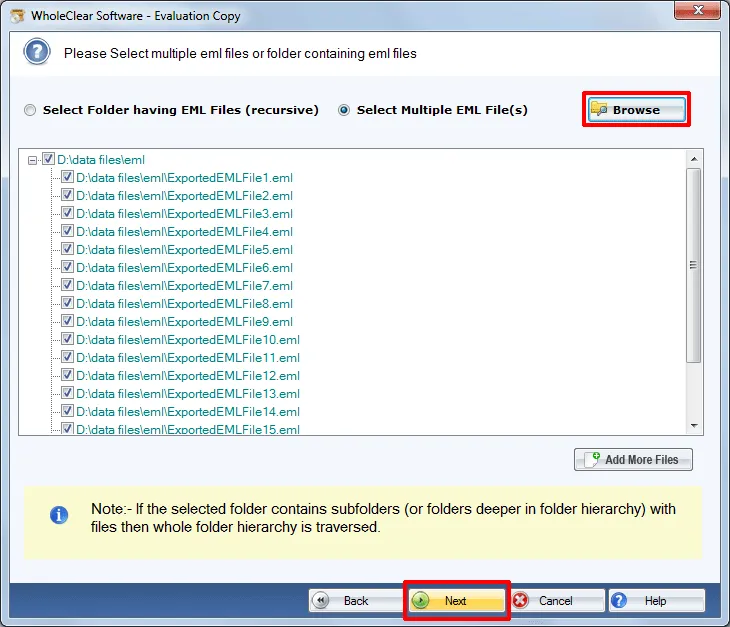
The tool lets users to migrate EML messages into Yahoo Mail account in bulk which means a folder of EML can be directly moved to Yahoo account without any issues. Moreover, it totally depends on users which and how many EML files they want to import into Yahoo account. The tool does not impose any restrictions.
Windows OS utility
EML 2 Yahoo Migration Tool is specially developed for Windows-based computers therefore, the utility can be effectively installed on various Windows OS including Windows 10, Windows 11, macOS 12+, and Linux x64. Both 32-bit and 64-bit editions are well supported by the application. It does not disturb the already running tasks.
Direct EML to Yahoo Import
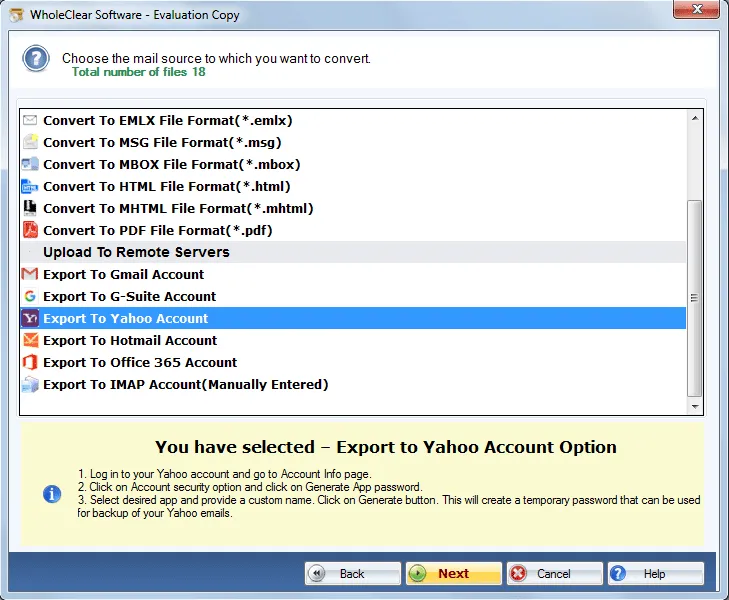
A direct transfer of EML files into Yahoo Mail account is performed by the application. Users only require Yahoo mail credentials to move EML messages to YMail account without facing any problem. No manual method is available that directly import EML files to Yahoo email account. Without any alterations, the files are imported.
Option to save EML files
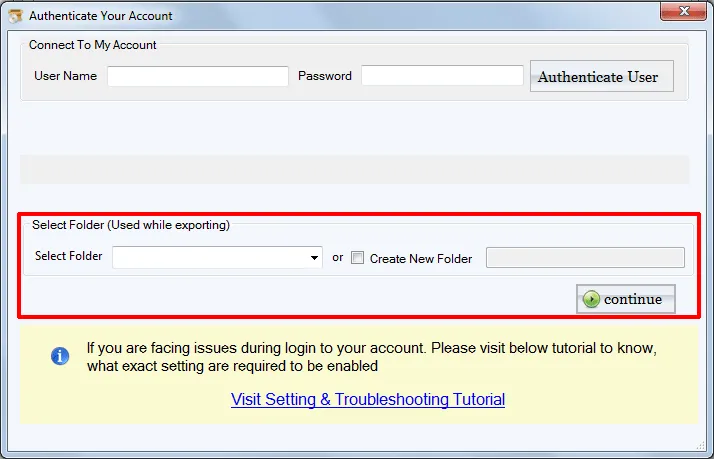
Users have the full freedom to save EML files to any folder of Yahoo account. It could be Inbox, Drafts, sent folder, any customized folder, or users are authorized to create a new folder to import EML files. The utility does not limit the number and size of EML files as it allows every large EML file import into Yahoo account.
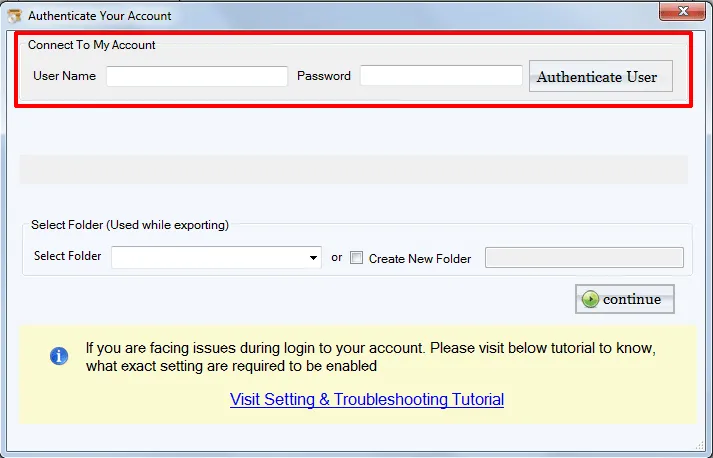
Secure Yahoo credentials
While import EML messages into Yahoo Mail account, the software asks for Yahoo username and password but the tool assures users that it will not save the login credentials of your Yahoo account in its cache memory. In this way, users can rely on this application as there are no chances to leak your information.