MBOX to Yahoo Importer to import MBOX file to Yahoo
- Easy and quick conversion without altering the original data
- Successful migration of large size MBOX files
- Bulk migration of MBOX mailbox to Yahoo account
- Transfer MBOX messages to Yahoo with email components
- Keep same folder structure after the conversion
- Support 64 bit and 32-bit Windows operating systems
- Unlimited migration facility with the licensed toolkit
- Maintain original layout of the files
- No email application installation is required to export MBOX emails to Yahoo Mail
- Supportive to every email client having MBOX file format
- No errors, only safe outcomes after the migration
- Check the software completely with trial edition before you buy it
- 24*7 dedicated support team to guide users & resolve the issues
Important highlights of MBOX 2 Yahoo Importer
Detailed features to import MBOX messages to Yahoo
Transfer files directly
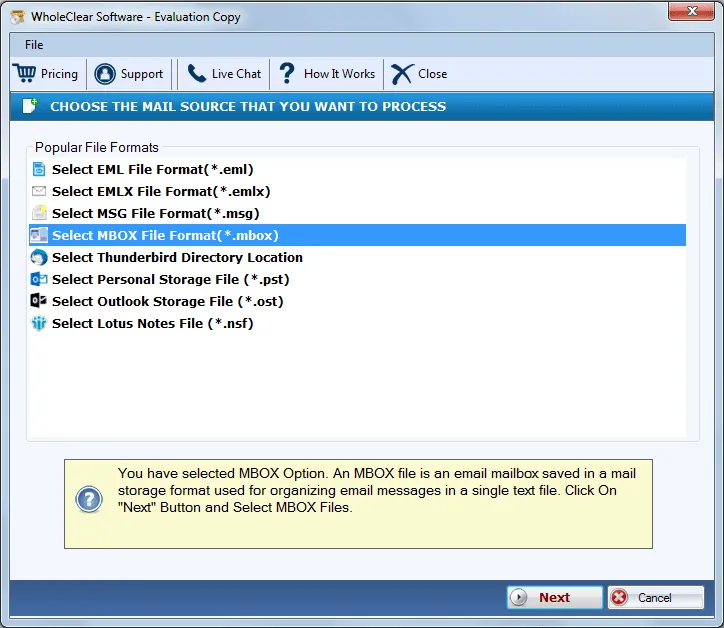
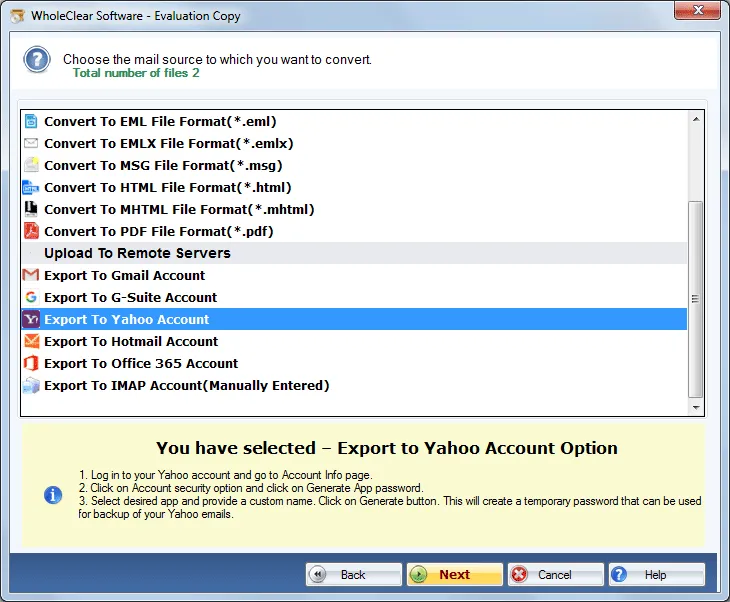
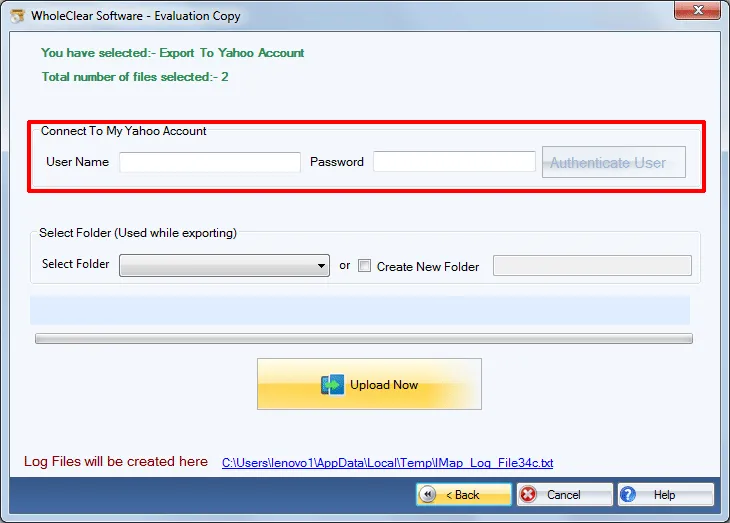
You can now easily and quickly import MBOX files to Yahoo account with the help of WholeClear MBOX to Y Mail Importer. The application only asks Yahoo login details to import MBOX database. Once the user account is verified, MBOX files are directly moved to Yahoo account in the user-decided folder of Yahoo account.
Import data in bulk
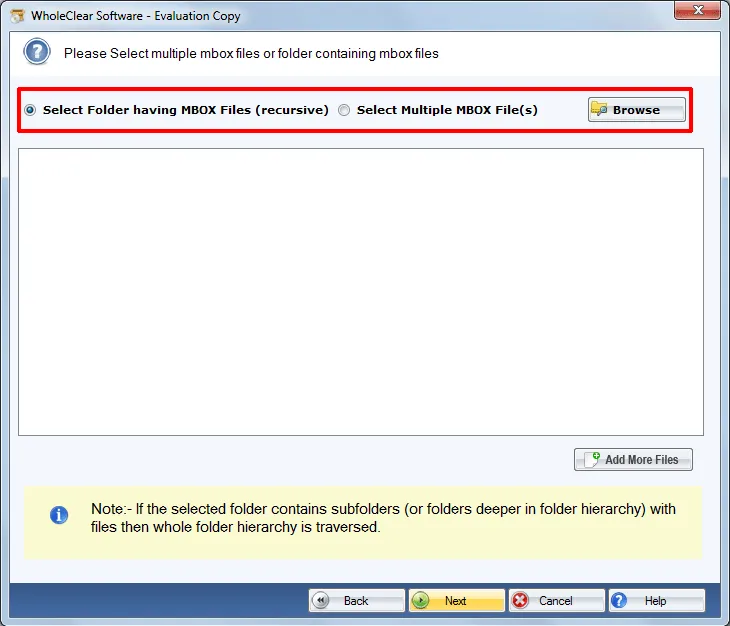
One of the highlighted features of this application that allows converting multiple MBOX messages to Yahoo account in a single cycle of conversion. This feature is helpful in saving time and efforts by avoiding repeated process. You can simply choose Folder mode and add folder of MBOX files to easily import to Yahoo account.
Hold email components
The program maintains all email attributes during the transfer process like to, cc, subject, header, date, time, text formatting, etc. Moreover, the email structure remains in the exact form after the conversion task is over. Without manipulating the folders and sub-folders series, the import task is safely completed.
Simple to use product
Operating MBOX 2 Yahoo Migration Tool is so simple. This tool flawlessly moves MBOX emails to Yahoo Mail while keeping original data. The import task is so simple that it can be simply completed by any novice user without facing any difficulties. No prior technical expertise is required to possess to handle the migration.
All MBOX files are supported
This application is able to export MBOX files exported from Mozilla Thunderbird, SeaMonkey, Eudora, Mac Mail, Google Takeout, Horde Mail, Postbox, Entourage, The Bat, etc. Without considering the platform of MBOX file, one can simply move them to any Yahoo account as per his/her choice and access MBOX files online.
Entire import without size bar
The application completely imports MBOX emails, attachments, and all elements of the MBOX file. There is no size limit imposed by the software on the size and number of MBOX files. Users simply perform unlimited migration without any harm to any file. 100% successfully outcomes are achieved by the tool all the time.
Windows OS supportive tool
MBOX to Y Mail Conversion Tool is developed for Windows users and it suits all versions of Windows such as Windows 10, Windows 11, macOS 12+, and Linux x64. It is also supported by 64-bit and 32-bit versions of Windows operating system. Without any disturbances to the already running tasks, one can carry out the migration task.
Test the tool free of cost
A free version of the application is available for all users. By this, users can simply test every function of the software before purchasing it. The free version is a replica of the complete edition. The only difference is it offers to export only 25 MBOX files to Yahoo account. To export unlimited data, upgrade to the license version.