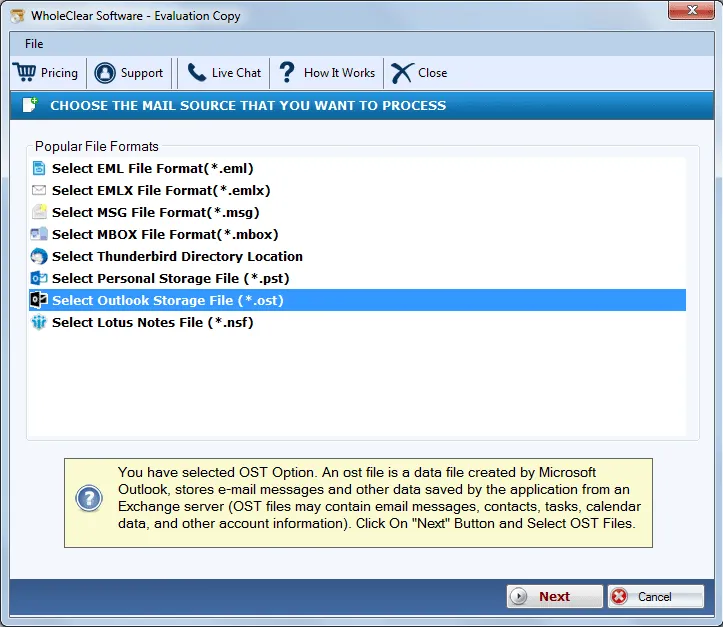
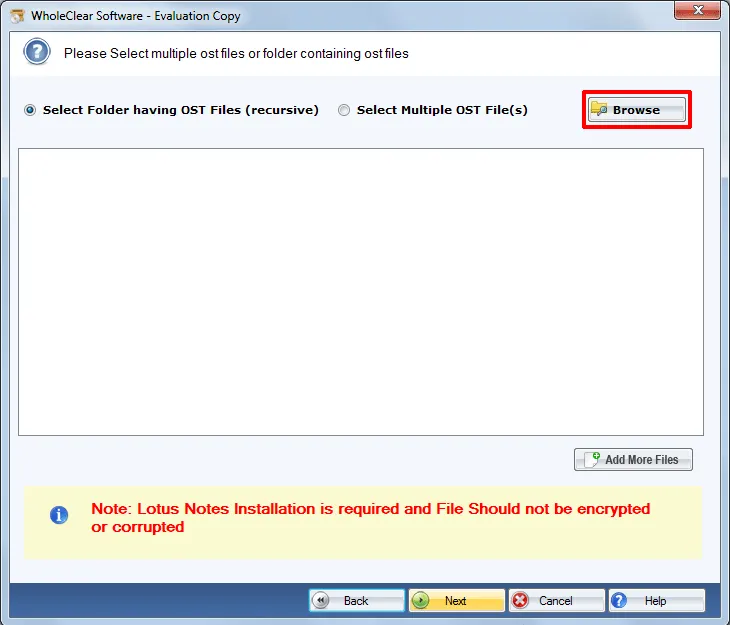
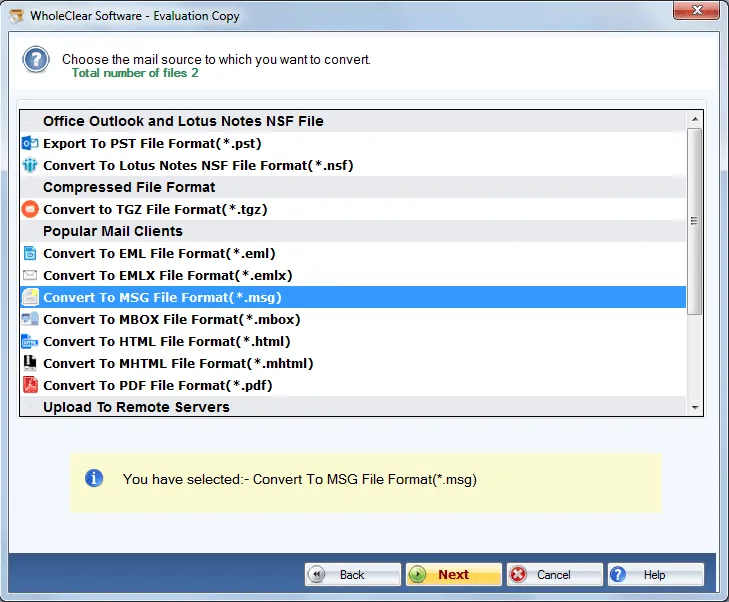
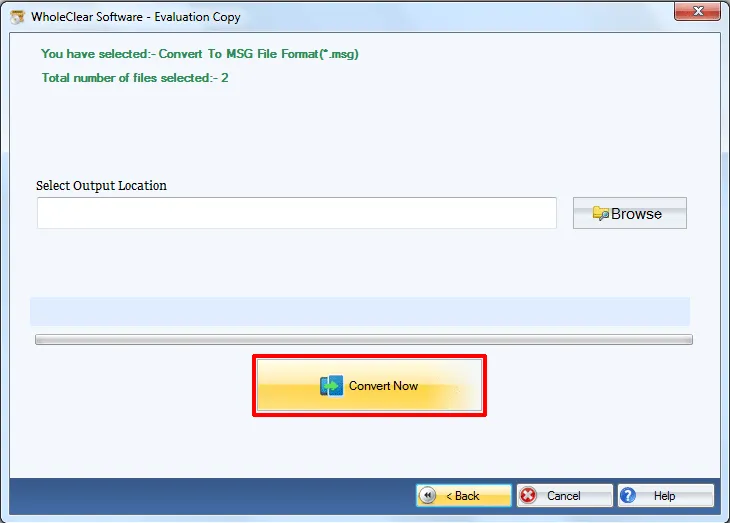
OST to MSG Converter to migrate OST database to MSG
- Rapid conversion of .ost files to MSG file format
- Export OST emails to MSG format irrespective of OST file size
- Outlook installation not required to migrate OST files to MSG format
- Clean and simplified user interface for easy understanding by every user
- Harmless export of OST emails to MSG with associated attachments
- Seamless working with all Outlook editions files
- Export orphaned and inaccessible OST files to Outlook MSG format
- Option to create a new folder to save the exported MSG file
- Demo and license both editions are available
- Full scanning of OST file and preview of OST file
- Apply filters to export essential folders of OST file
- Hold meta attributes and text formatting even after the migration
- Totally Windows-based application
OST 2 MSG Converter to export inaccessible .ost files to MSG
Check quality benefits to export Outlook OST to MSG
Clean & Guiding interface
WholeClear OST to MSG Converter application is developed with smart features and simplified interface that no prior technical expertise is required to handle the conversion process. The self-expressive interface of the application guides users at every step. Therefore, users never find difficulty to understand this application.
Convert selective mailbox items
There is no requirement to export the complete database with this application. Users can choose the desired folders or items to export from .ost files to MSG file format. In this way, users can export only filtered database as per their requirements and can leave the undesired items to move from Outlook MSG file.
Preserve folder structure
OST 2 MSG Converter application does not affect the folder and subfolder structure during the conversion of OST files into MSG format. You will find the structure of folders same after completion of the conversion. The utility always renders safe export results without restrictions on the number of times user use this application.
Outlook installation optional
OST to MSG Converter does not demand MS Outlook installation to export OST into MSG format. It is optional to configure Outlook in the system to carry out the conversion. The utility does not depend on any external application to complete the conversion and without any trouble. All versions Outlook OST file is supported by the utility.
Full conversion of OST file
The utility exports complete OST file including emails, attachments, email headers, email formatting, etc. attached to every OST message. The utility does not consider the number of emails converted by this utility. Without barrier for any size OST file, users can carry out the migration operation of OST files into MSG format.
Recover deleted items to MSG
Inaccessible OST file complete items or deleted items are simply recovered by the software by their conversion into MSG format. Along with complete details, the utility performs the safe conversion without any changes to the original database. No errors are faced by users at any step with this amazing utility. Only secure recovery is done.
Export Offline OST freely
Users can start the conversion of Offline OST file to MSG format free of cost with the trial version. It is quite similar to the license toolkit. The only difference is it offers limited OST items conversion to MSG format. To enjoy unlimited database conversion, users need to invest in the complete version of Outlook OST 2 MSG Conversion Tool.
Workable on all Windows OS
The software is fully Windows-based so it does not create any trouble to run on various Windows operating systems. You can pick any Windows version and run the software on it including Windows 10, Windows 11, macOS 12+, and Linux x64. Windows 32-bit and 64-bit both editions are supported by the application without any issues.