MSG to Outlook.com Tool to import MSG file to Hotmail
- Swift import of MSG data to Outlook.com account
- Desired MSG files are imported to desired Hotmail account
- Direct way to move MSG files to Outlook.com account
- Allow importing MSG files to all Outlook
- Batch import MSG files to Outlook.com account
- No limitations to transfer MSG files
- Preserve key elements of MSG files during the transfer
- Complete import of MSG emails with associated attachments.
- Downloaded easily on every edition of Windows
- Safe and secure solution with original data preserved complaints
- Trial edition available to evaluate the software features
- Place MSG files by creating a new folder to Hotmail account
- Dual options to transfer MSG data to Hotmail account
Get features of MSG to Outlook.com Converter Tool
Detailed features to migrate MSG to Hotmail (Outlook.com)
Entire Migration
The utility completely exports all database of Outlook MSG files. It includes all emails, and email properties (to, cc, bcc, etc.) to migrate from MSG to Hotmail account. Along with this, attachments associated with every MSG file is safely exported. This application takes a few minutes to complete this migration process without any trouble.
Preserve meta elements
While the migration process is going on, the utility easily takes cares of all MSG elements. It completely safeguards all email headers like to, cc, bcc, from, sent, subject. etc. Along with this, all email formatting like hyperlinks, internal images, font size, and so on finds the same after completion of the conversion process.
Allow Batch Mode transfer
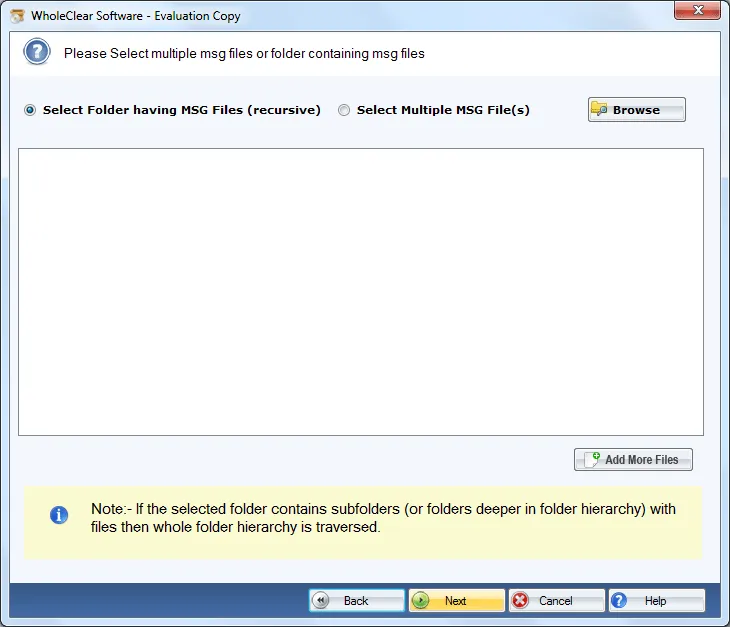
With this smart application, users can get a batch migration feature. By this, it is possible to transfer multiple MSG files to Outlook.com account in a single round of import. By this, users can avoid the import of MSG messages one by one and can save a lot of time. File Mode is also available in case users have a single MSG file to import.
Support all Outlook editions
There is no need for Outlook installation in the conversion machine. Without MS Outlook import of MSG messages to Hotmail is possible. Users can import any Outlook version MSG file without any issues. These versions include Microsoft Outlook 2019, 2016, 2013, 2010, 2007, 2003, and others. Any number and size MSG file is welcomed.
Originality is maintained
The application retains the original folder structure. During the import process, the software never alters any email mailbox hierarchy. Hence, users get the emails in respective folders. Additionally, the utility offers to choose any folder of Hotmail account to save MSG files. Users can easily create a new folder in Hotmail account.
Work with all Windows
The application is wholly Windows-based and runs suitably on all editions like Windows 10 and Windows 11and others without creation of any troubles. Both 64-bit and 32-bit Windows editions are well supported by the program without any issues. The program is available in personal, business, and enterprise editions. Users can pick the version according to them.
Check the tool before buy
To get familiar with the program before investing funds in it, WholeClear offers a demo edition of MSG to Hotmail Importer which is the copy of the license edition and is helpful to users to get a close examination of the program. However, this offers a limit import facility. To get complete results, upgrade to the license edition.
safe migration
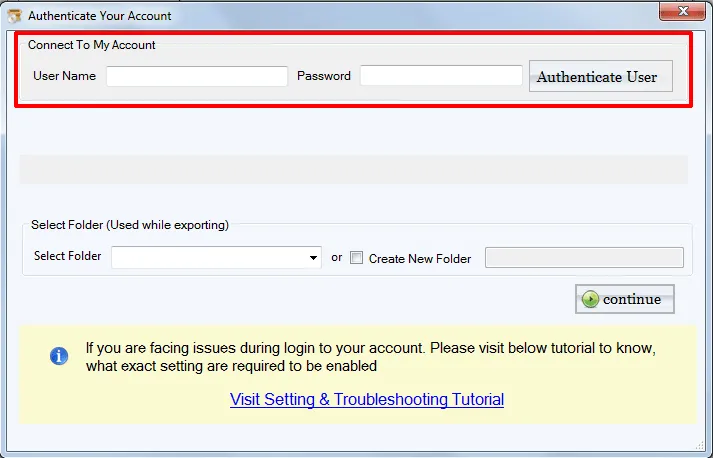
The software is designed with full safety of the user database. It never manipulates the data during the conversion and never store the login credentials of Hotmail into the database. 100% authentic, safe and virus-free product which is well tested by experts so that our valuable customers would not face any issues during the migration.